Best Apps for Speed Reading in 2026
Feb 2, 2026


In 2026, speed reading is not just a skill: it’s a productivity booster. Whether you want to get through your reading list, stay up to date with industry news, or tackle that stack of saved articles, speed reading apps help you read faster without losing understanding.
Modern tools use proven techniques like:
- RSVP (Rapid Serial Visual Presentation)
- Guided highlighting
- Phrase chunking
- Visual tracking aids
These methods reduce eye strain and eliminate time-wasting reading habits.
Here are the best speed reading apps in 2026 that are actively maintained and truly useful for casual readers. We’ll begin with the one that delivers the fastest real-world results.
1. Outread
Speed Reading That Fits Your Real Life
Platforms: iPhone, iPad, Mac
Pricing: Free with premium upgrade
Outread stands out because it is designed for how people actually read today: articles, newsletters, documents, and ebooks, usually on a phone and typically in short bursts.
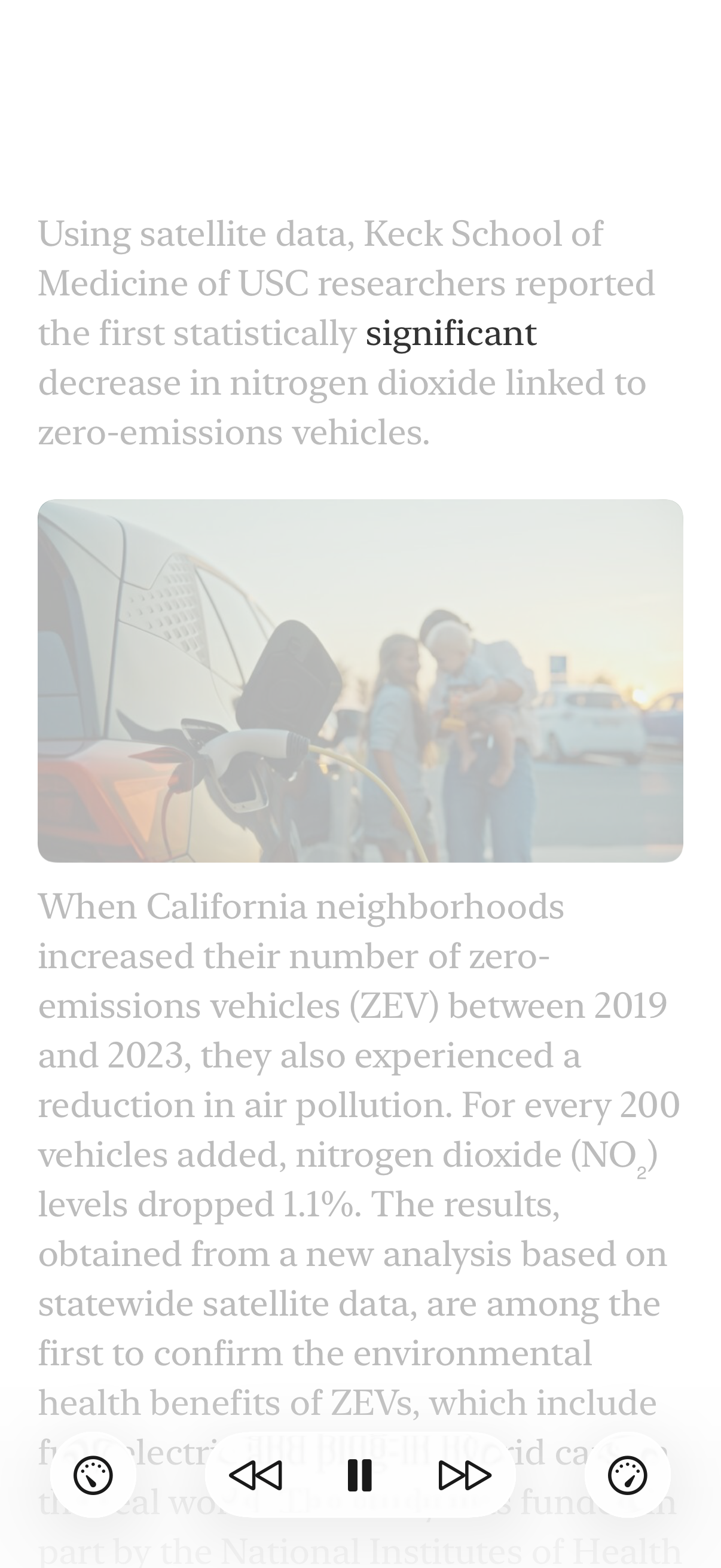
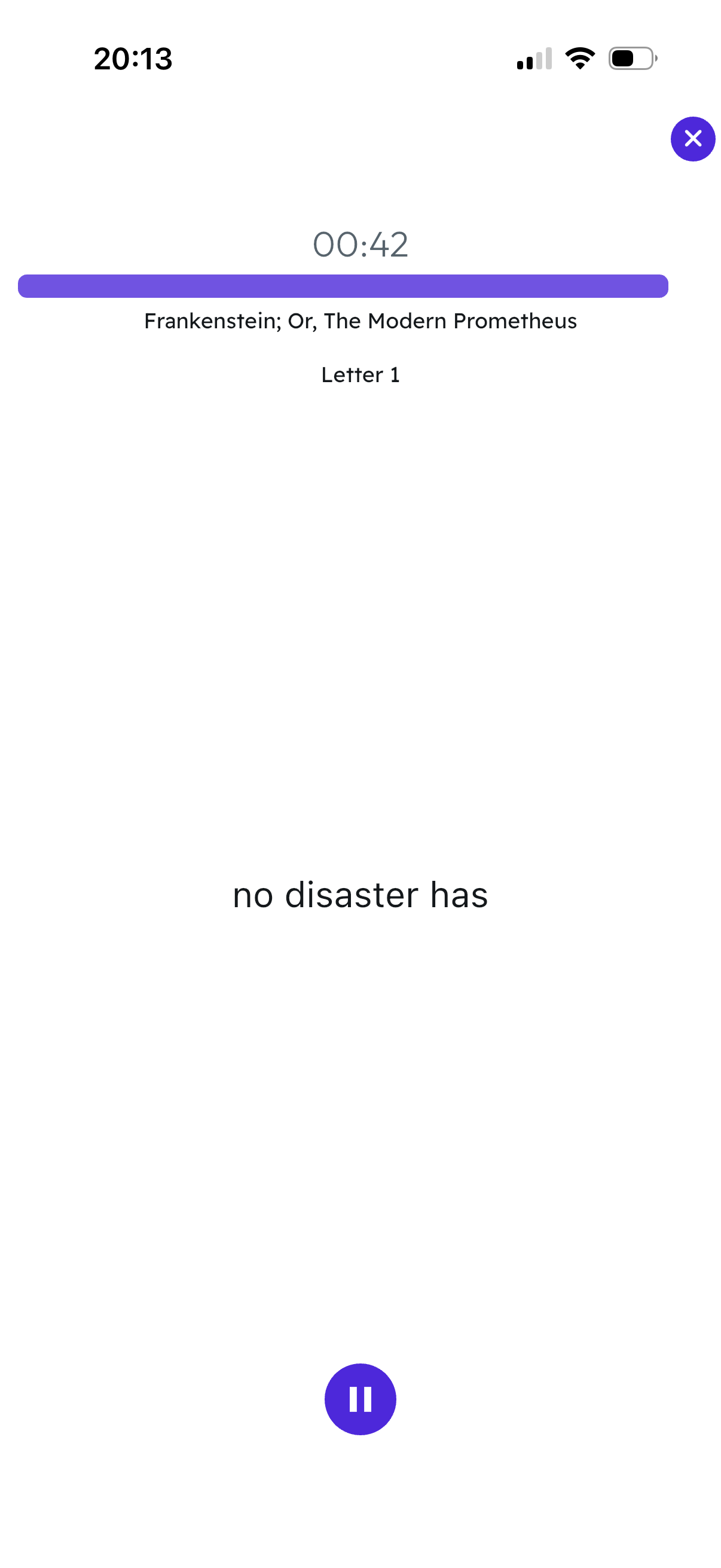
- RSVP Flash Mode – Words appear quickly to increase your speed
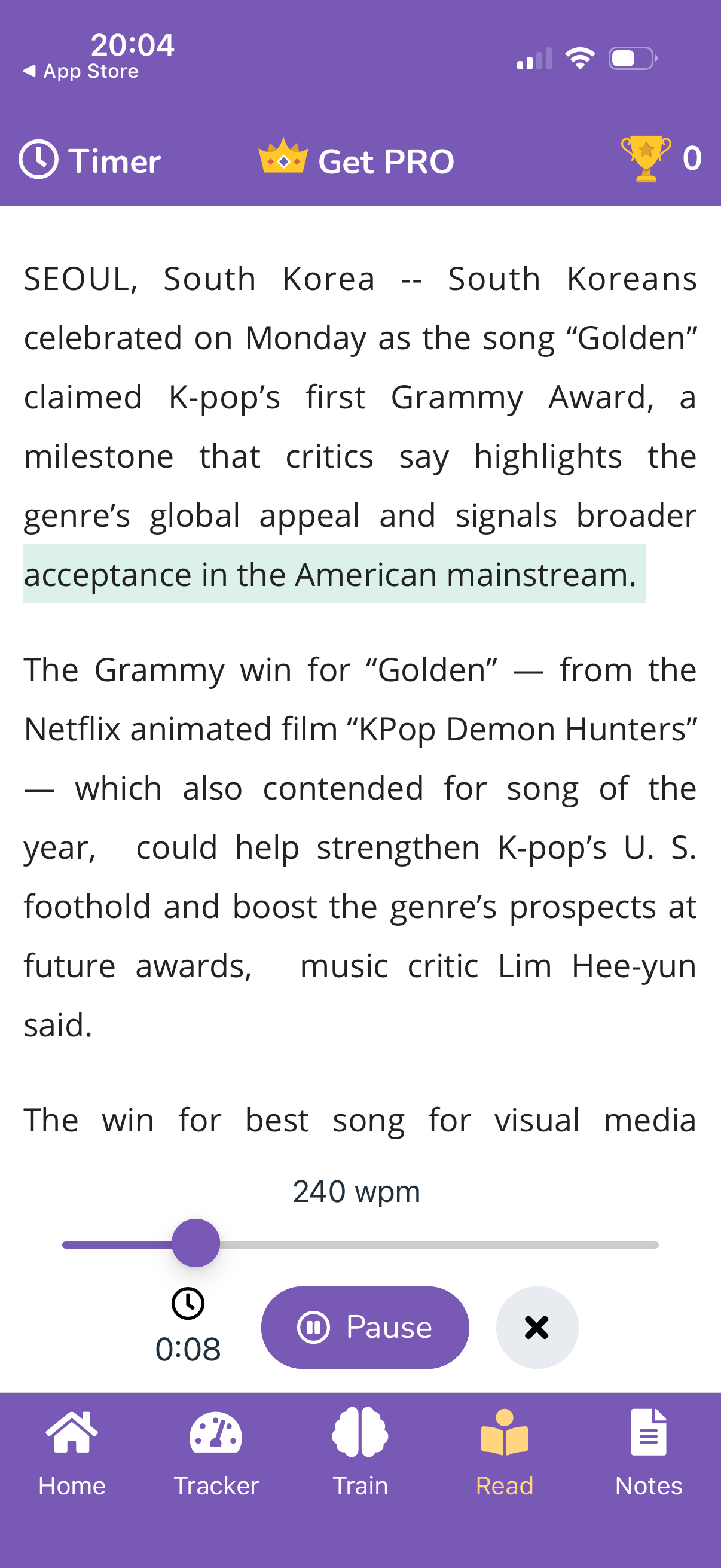
- Guided Highlight Mode – A moving highlight helps your eyes flow smoothly across lines for better focus and comprehension
This flexibility is why Outread works so well for casual readers. You can skim quickly and switch to guided reading when the material is dense.
Why Outread is the top pick
- Import articles from the web, Safari, or read-later apps
- Supports documents and ebooks (PDF, Word, TXT, EPUB)
- Adjustable speed, fonts, themes, and chunking
- Helps reduce regressions and subvocalization
- Clean, distraction-free reading interface
2. Spreeder
Deep Training + Speed Reader
Platforms: Web, mobile, desktop
Pricing: Free tier + premium
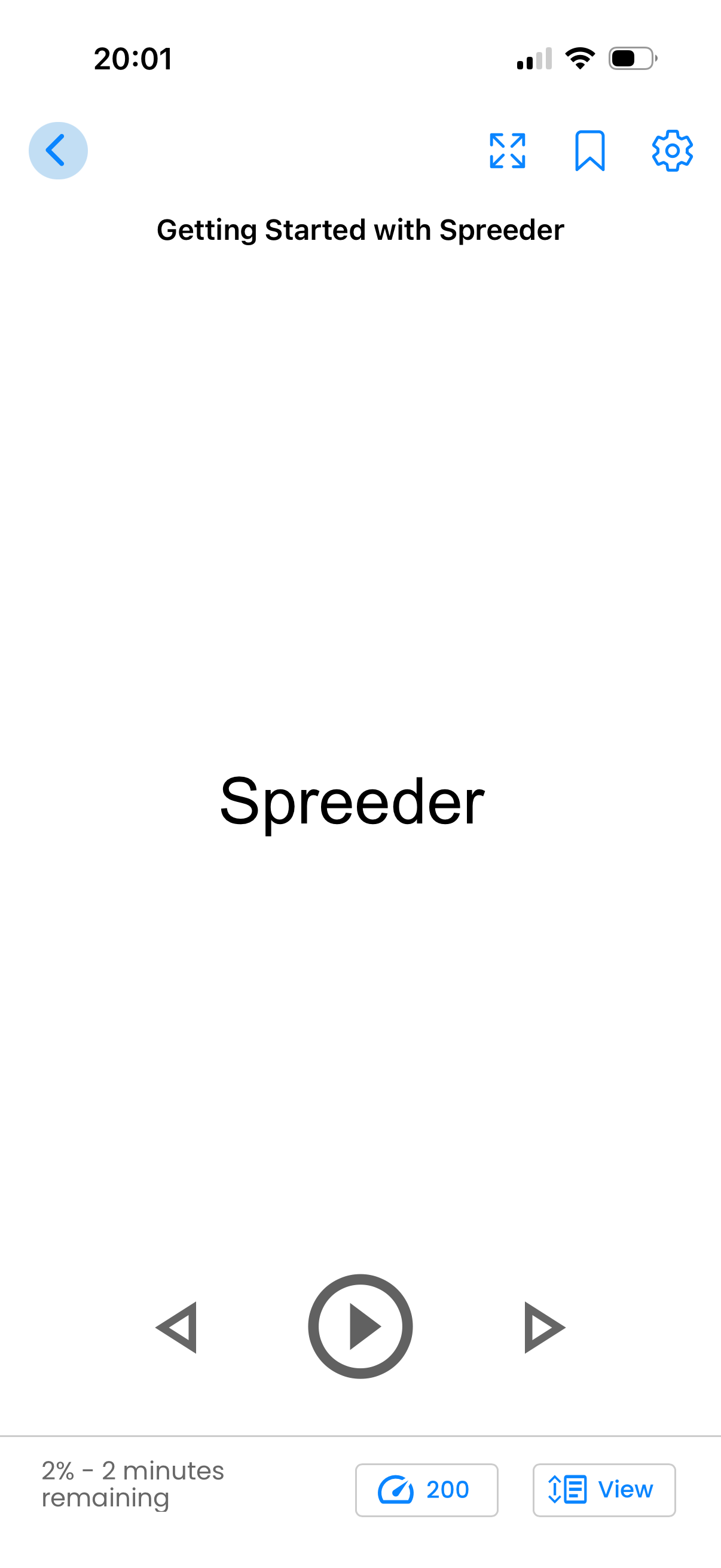
Spreeder is one of the most complete speed reading platforms available. It combines RSVP reading with structured lessons and drills aimed at improving reading speed long-term.
The experience feels more like a training program than a simple reader. You can start with short sessions, then ramp up speed over time with built-in checkpoints.
Best for users who want structured improvement:
- Reading speed tracking and analytics
- Exercises to reduce subvocalization
- Training courses and guided drills
- Supports ebooks and documents
3. SwiftRead
Speed Reading Inside Your Browser
Platforms: Chrome, Firefox, Safari, Edge
Pricing: Free with Pro features
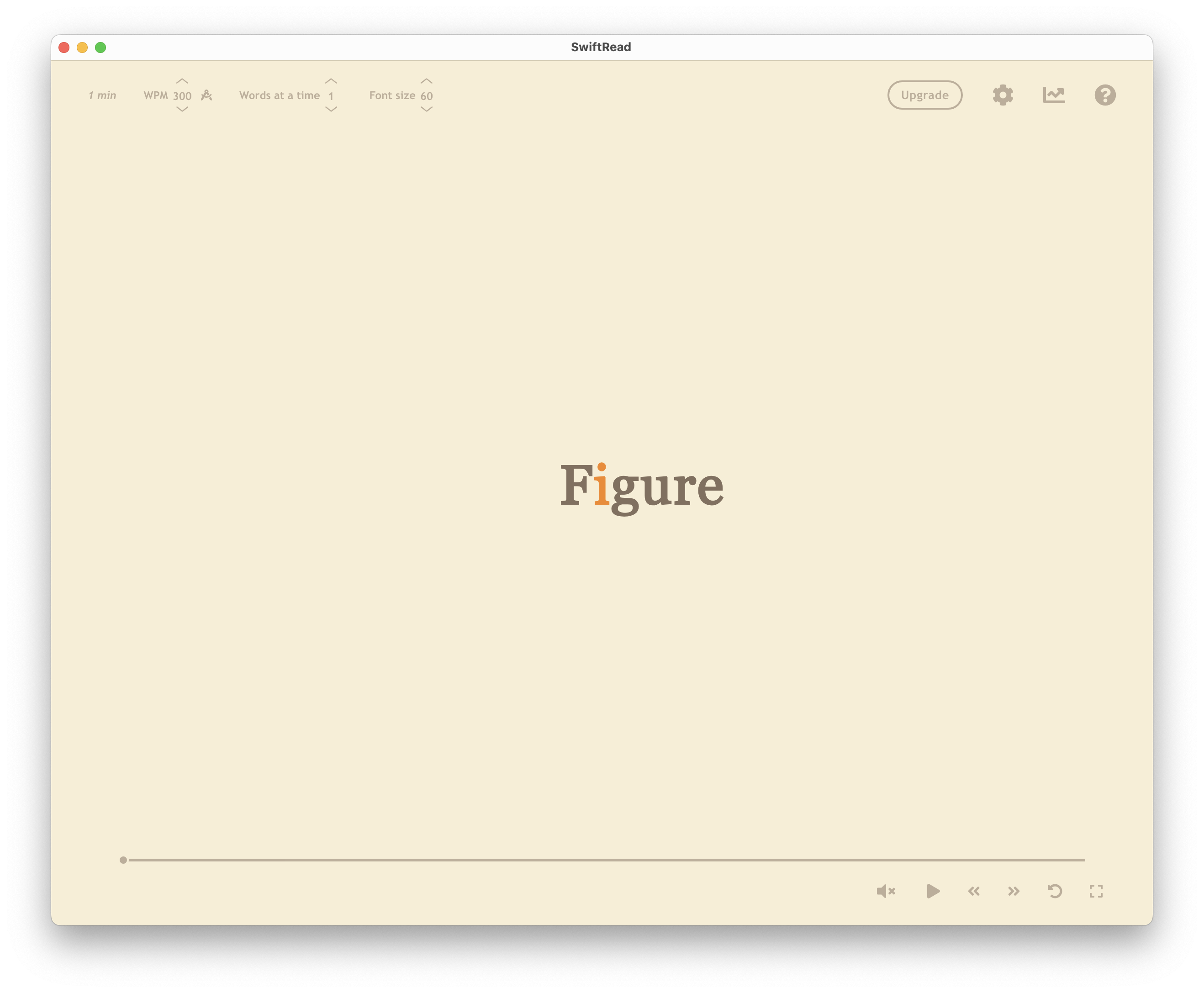
SwiftRead allows you to speed read any web content instantly. It overlays an RSVP reader on webpages, so you can quickly read articles, emails, and research without copying text elsewhere.
It is especially useful if your reading happens in tabs all day. You can launch it on a page, dial in the pace, and keep your flow without jumping between apps.
Ideal for heavy web readers:
- Adjustable WPM speed
- Customizable fonts and layout
- Works across most websites
4. Readlax
Phrase Highlighting + Focus Training
Platforms: Web and browser extension
Pricing: Free
Readlax highlights phrases instead of single words, helping your eyes learn to take in multiple words at once — a fundamental speed reading skill.
It is a gentler approach than pure RSVP, so it feels closer to natural reading. Includes optional brain training tools for focus and memory.
5. BeeLine Reader
Color-Guided Reading Flow
Platforms: Browser extensions, iOS
Pricing: Free limited + premium
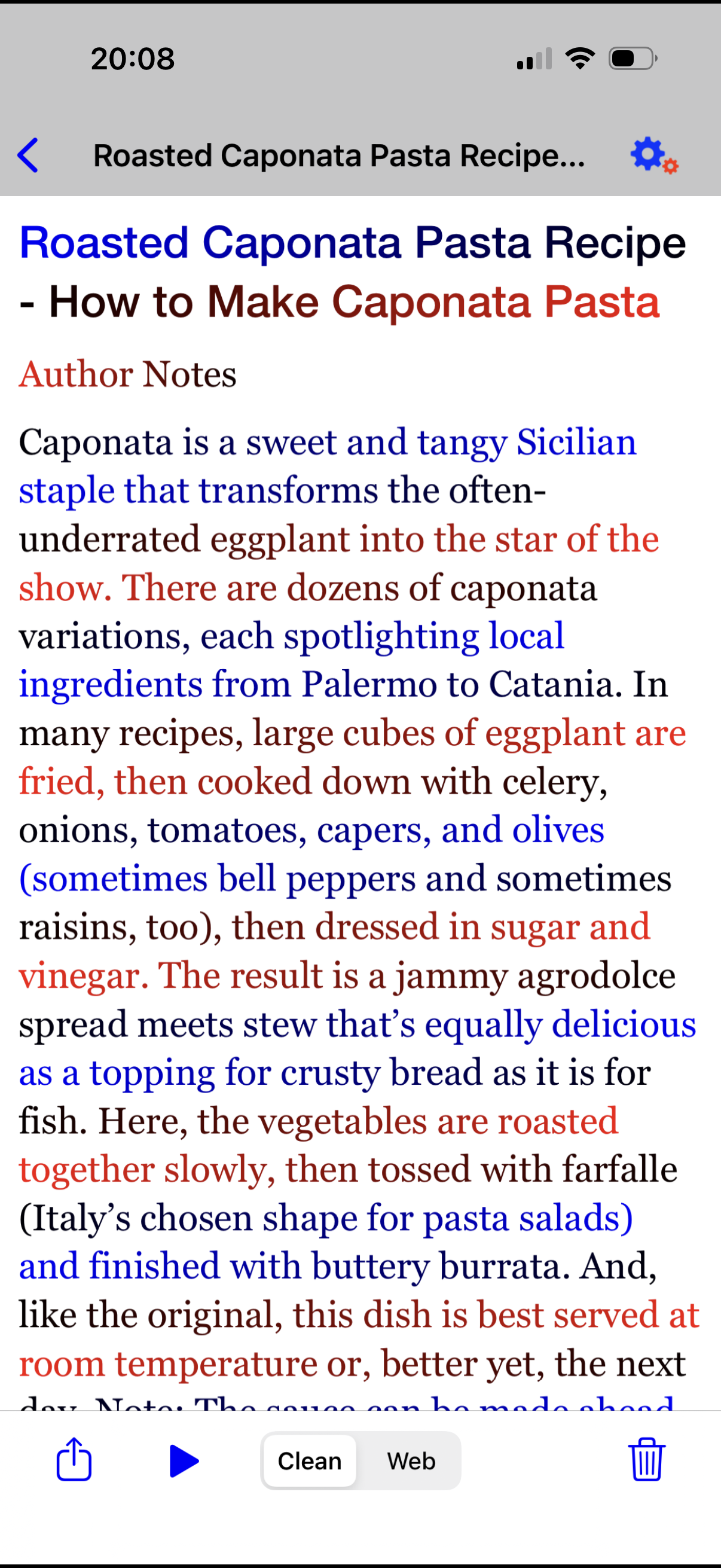
BeeLine uses color gradients to guide your eyes from line to line, reducing eye fatigue and improving reading flow. Especially helpful for long online reading sessions.
This is less about raw speed and more about smoother movement and fewer line skips. It can be a strong option if you find yourself losing your place when reading long pages.
6. Reedy
Lightweight Android Speed Reader
Platforms: Android, Chrome extension
Pricing: Free with optional upgrades
A simple RSVP reader ideal for quickly processing articles and ebooks on Android.
Reedy keeps the interface minimal and gets you into reading fast. It is a good fit if you want quick imports and a lightweight app that does not require training or setup.
7. Acceleread
Adaptive Speed Reading Training
Platforms: iOS, Android
Pricing: Free with upgrades
Acceleread focuses on drills and exercises that gradually boost reading speed and comprehension.
It adapts to your pace and nudges you forward in small steps. Best for readers who prefer guided practice over a pure reading tool.
Bonus Tools
- Blinkist – Book summaries for quick learning
- Speechify – Fast audio playback of text
How to Choose the Right App
| You Want To… | Best Option |
|---|---|
| Read articles faster daily | Outread, SwiftRead |
| Train speed reading skills | Spreeder, Outread |
| Improve reading flow | BeeLine |
| Read ebooks offline | Outread, Acceleread |
Tips for Faster Reading
- Increase speed gradually
- Reduce subvocalization
- Practice daily
- Focus on comprehension, not just speed
Final Verdict: The Best Speed Reading App in 2026
If you’re going to try one speed reading app this year, choose Outread.
Many apps can display words quickly. But Outread is built for real reading habits: articles, newsletters, PDFs, and books, typically on your phone, amid everything else in your day.
What makes it different is its balance:
- Flash mode for when you want raw speed
- Guided highlight mode for when you want speed and understanding
You don’t need lessons, courses, or a complicated setup. Just import what you already read — and start finishing it faster.
Try This (Takes 2 Minutes)
- Download Outread
- Import one article you’ve been meaning to read
- Set the speed to 350–450 WPM
You’ll notice the difference immediately — not just in pace, but also in focus.